How to Build a Google Business Profile That Dominates Local Pack Results for Your Liquor Store: Photos, Categories, Posts, and Review Strategy
By Alden Morris, Founder & Principal Strategist13 min read
Listen to this article17:54
Schedule a free strategy call and Intentionally Creative will build a custom plan for you.
Schedule Your Free Strategy CallFree audit. No commitment.
Get a Free Audit. No commitment.
Optimize your Google Business Profile liquor store listing to dominate local pack results. Photos, categories, posts, and review strategy that drive foot traffic.
Right now, someone within a few miles of your store is typing "liquor store near me" into their phone. In about half a second, Google will show them three options on a map, and those three stores will get the visit, the sale, and the repeat customer. The question is simple: are you one of the three, or are you invisible?
The answer almost always comes down to one thing, your Google Business Profile. For liquor store owners, this free listing is the single most important piece of digital real estate you control. It determines whether you show up in that coveted map section (called the Local Pack), how trustworthy you look when someone finds you, and ultimately whether a nearby customer walks through your door or drives past to a competitor. And yet, most liquor store profiles we see are barely half-finished.
This guide is your complete playbook. We'll cover the four pillars of a dominant listing, categories, photos, posts, and reviews, plus the foundational setup rules you can't afford to skip and the off-profile tactics that amplify everything. Every recommendation is specific to liquor retail, built on real data, and designed to be executed without an agency or an ad budget. Let's get into it.
Here's something that should bother you: the single most powerful marketing tool available to your liquor store costs exactly zero dollars, and there's a good chance yours is sitting half-finished right now.
Your Google Business Profile is free to set up, free to manage, and directly controls whether local customers find you or your competitor down the road. No ad spend. No agency retainer. Just a profile that needs your attention. Yet when we audit liquor store profiles, most are barely filled out, a name, an address, maybe a phone number, and that's it. That's leaving money on the shelf.
Discover 7 proven Instagram content ideas for liquor stores that boost engagement and drive sales. Learn how to promo...
When someone searches "liquor store near me," Google doesn't send them to a list of ten blue links. It shows them a map and three business listings right at the top of the page. That's the Local Pack, and it captures the lion's share of clicks for local searches.
Think about your own behavior. When you search for a restaurant or a hardware store, do you scroll past that map section? Most people don't. If your listing isn't in those three slots, you're effectively invisible to the majority of local searchers. Your website could be beautiful, but it's sitting below the fold while three competitors get all the foot traffic.
This isn't theory. A Saltwater Digital case study found that focused local SEO optimization for a specialty wine and liquor store delivered a 2x increase in organic traffic along with significantly improved profile interactions. Double the traffic, from optimization work that costs nothing but time and strategy.
In the sections ahead, we'll walk through the four pillars of optimization, categories, photos, posts, and reviews, with specific, actionable tactics built for liquor retailers. No fluff, just the moves that get you into the Local Pack and keep you there.
Avoid TTB violations and Google Ads suspension with this guide to alcohol advertising rules for liquor stores. Expert...
Before you start optimizing any of those four pillars, your profile needs a rock-solid foundation. Think of this as the permit and inspection phase, skip it, and nothing you build on top will hold up.
Here's the deal: not every business qualifies for a GBP. Liquor stores must have a physical storefront that customers can walk into. You need to meet Google's ownership and eligibility guidelines, which means a real location, a real business, and real customers coming through your door. No exceptions.
This is the big one. In late 2024, Google updated its GBP guidelines to specifically disallow Service Area Business (SAB) designations for businesses selling age-restricted products like alcohol [VERIFY: confirm exact date and scope of this policy update]. That means your store must display its full physical address publicly on your profile.
If you previously set yourself up as a Service Area Business, hiding your address and showing only a service radius, you need to update immediately. Profiles that don't comply risk suspension, which means disappearing from the Local Pack entirely. For liquor store local SEO, that's a death sentence.
Learn how to optimize your Google Business Profile for liquor stores with tips on photos, posts, reviews, and categor...
Setting up or claiming your profile is free and takes roughly 15 minutes, plus a verification waiting period (usually a few days via postcard or video).
Once you're verified, lock down your NAP consistency: your Name, Address, and Phone number must match exactly across your GBP, website, Yelp, and every directory listing. Even small discrepancies, "Street" vs. "St." or a missing suite number, confuse Google and quietly hurt your optimization efforts.
Get this foundation right, and everything else you build on top of it actually works.
Your primary category is the single strongest signal telling Google what searches to show your business for. Get this wrong, and everything else you do is fighting uphill.
For most independent liquor stores, your primary category should simply be "Liquor Store." That's it. No overthinking required.
This one selection directly influences whether you appear in the Local Pack when someone nearby searches "liquor store near me" or "liquor store open now."
Secondary categories expand your reach into adjacent searches. Depending on your inventory mix, add categories like "Wine Store," "Beer Store," "Bottle Shop," or "Spirit Store." Each one opens you up to different search queries you'd otherwise miss entirely.
But here's the critical part: don't add irrelevant categories hoping to cast a wider net. Google penalizes this, and it dilutes the relevance signals that power your local SEO.
A smart move? Check what categories your top-ranking local competitors are using. Tools like Pleper's GBP category finder make this easy and free, no paid software required.
Finally, revisit your categories quarterly. Google adds new category options regularly, and your competitors may be adjusting theirs. This isn't a set-it-and-forget-it task, it's an ongoing edge.
Google Posts appear directly on your Business Profile and in search results. They're free, visible, and they expire after seven days. That expiration isn't a bug, it's a feature. Consistent posting signals to Google that your business is active and engaged, which supports your local SEO efforts and helps you compete for Local Pack placement.
And yet most liquor stores never touch them. That's your opening.
Aim for at least one post per week. Two to three is ideal if you have the content. Keep each post under 300 words and always include a clear call to action, "Stop by this weekend," "Call to reserve a bottle," or "Shop our new arrivals in-store."
Naturally work in phrases like "liquor store in [your city]" where they fit, but don't force it. Google rewards relevance, not repetition.
One important note: Google has strict alcohol advertising restrictions. Avoid language that promotes excessive drinking. Focus on the experience, the craft, and the occasion instead.
You don't need a content team. You need a phone and five minutes. Here's what works:
Photos and posts make your profile look active. Reviews make it look trustworthy, and they carry serious weight in Google's ranking algorithm. This is where many liquor stores either pull ahead of the competition or fall permanently behind.
Here's a useful rule of thumb: a liquor store with 200 reviews averaging 4.6 stars will generally outperform one with 30 reviews at 4.9 stars in the Local Pack. Google weighs review quantity, quality, and recency when deciding who shows up in those top three spots. You need all three working in your favor.
The stores that consistently generate reviews aren't doing anything fancy, they just have a system. Here's one that works:
One critical rule: never offer incentives for reviews. No discounts, no raffle entries, nothing. It violates Google's guidelines and can get your reviews stripped, or worse, your entire profile penalized.
Respond to every review, positive and negative, within 48 hours. This signals to Google and potential customers that your store is actively managed and customer-focused.
Founder and Principal Strategist at Intentionally Creative. 10+ years in three-tier beverage industry marketing, 3 patents pending, CityHive partner. Runs growth for independent liquor retailers and DTC brands.
Categories tell Google what you are. Photos show customers why they should choose you. A Google Business Profile liquor store listing with quality images earns measurably more engagement, more direction requests, more website clicks, more calls, than a bare-bones listing with no visuals [VERIFY: original Google stat on photo engagement lift has been retired from documentation; consider citing a current source or softening the claim].
Not all photos carry equal weight. Prioritize these types:
Upload new photos at least weekly. Google rewards freshness and activity, which directly supports your local SEO. Set a recurring calendar reminder or hand the task to a team member with a smartphone. Consistency beats perfection.
One more technical detail: make sure your photos are geo-tagged. Most smartphone cameras handle this automatically, and it reinforces your location relevance to Google, a quiet but meaningful ranking signal.
This is where optimization requires some care. Google restricts the promotion of alcoholic beverages across its platforms. Avoid images that glamorize excessive consumption or could appear to target minors.
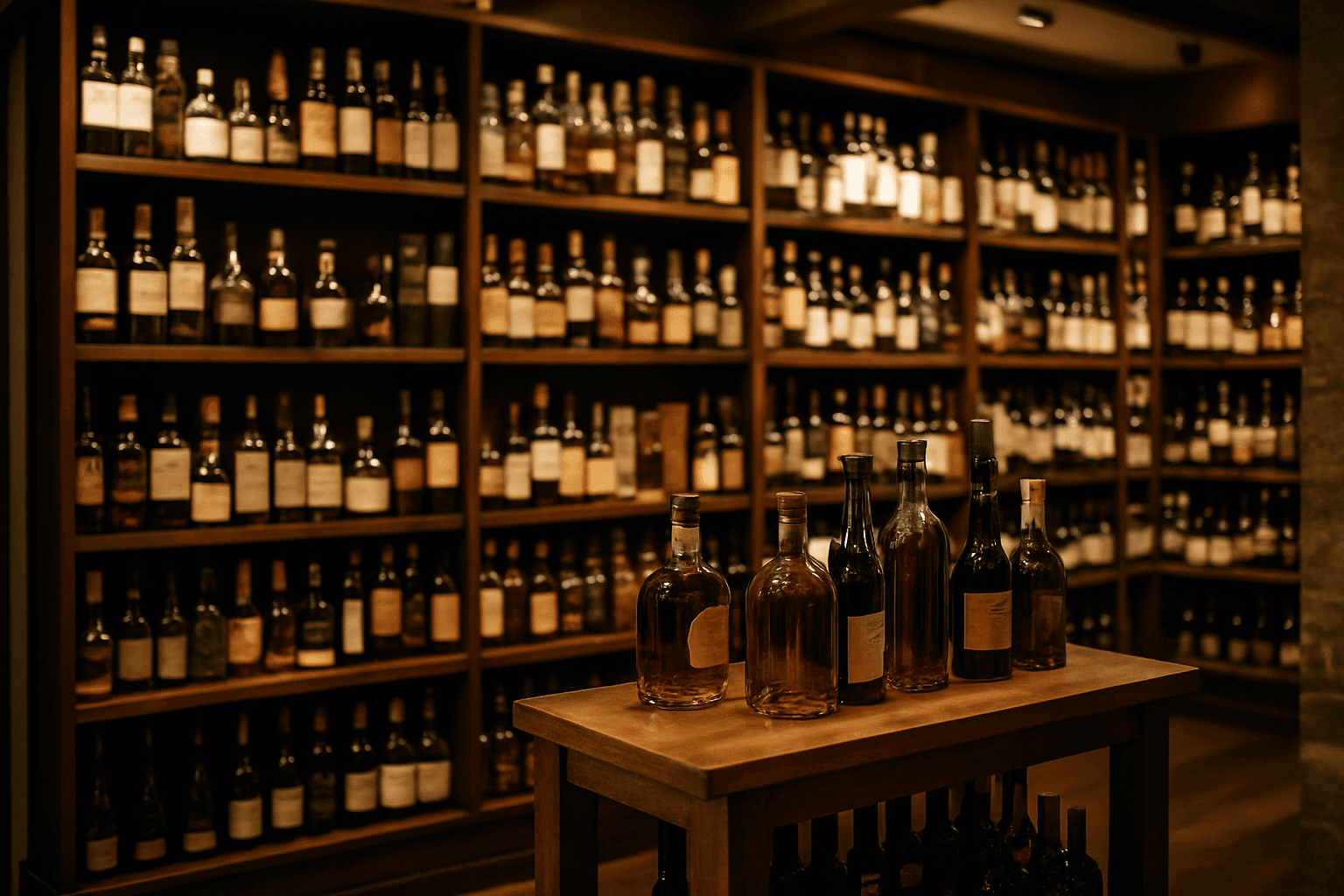
The practical move: focus on the shopping experience, your store environment, curated selections, and displays, rather than close-ups of individual bottles with pricing. Think "inviting retail space," not "drink ad."
Google also tightened its GBP guidelines around age-restricted product businesses in late 2024. Staying compliant isn't optional, it protects the profile you're working hard to build.
Intentionally Creative specializes in digital marketing strategies that drive real results. Let us show you what's possible.
Schedule a CallThe only cost is consistency, and five minutes of your week.
For negative reviews, follow this framework:
Here's the thing most owners don't realize: a thoughtful, composed response to a 1-star review can actually win over the people reading it. Shoppers expect the occasional bad review. What they're judging is how you handle it.
If you spot reviews that are clearly spam, irrelevant, or from people who never set foot in your store, flag them through Google. But don't waste energy fighting legitimate criticism. Address it, learn from it, and move on. That's how you build a profile customers trust and Google rewards.
Everything we've covered so far happens inside your profile. But Google doesn't evaluate your listing in isolation, it looks at the broader web to decide how authoritative and trustworthy your business really is. These off-profile signals are the multiplier that turns a good profile into a dominant one.
Partner with local food bloggers, cocktail influencers, and event organizers. Host a tasting night or sponsor a neighborhood festival. These generate natural backlinks and social mentions that quietly boost your local SEO authority.
Also, ensure your store is listed consistently (same name, address, phone number) across Yelp, Apple Maps, Bing Places, Foursquare, and any state or local liquor retail associations. Inconsistencies confuse Google and cost you rankings.
You've now got the complete playbook, from foundation to categories, photos, posts, reviews, and the off-profile tactics that tie it all together. None of this requires a marketing degree, an agency contract, or an advertising budget. It requires consistency and the willingness to treat your Google Business Profile liquor store listing like what it actually is: the front door to your business for every local customer searching online.
The stores that dominate the Local Pack aren't doing anything secret. They're just doing the work, week after week, that most competitors won't bother with. That's your opening.
Here's your move this week: Generate your Google review QR code, print it, and put it at the register before you close today. It takes ten minutes, it costs nothing, and it starts compounding immediately. Then come back to this guide and tackle one more section next week. That's how you build a profile that owns your local market.
No ad spend required, just consistent effort that compounds over time.